Create your account
Download the app and introduce your role, experience and professional interests.


FOR EVERY KIND OF HEALTHCARE WORKER
Nurses, aides, therapists, techs and every kind of healthcare worker can create a profile, upload requested credentials and apply for opportunities through the MedFirst app.
Professional onboarding takes place in the mobile app.
SEE IT IN 25 SECONDS
The MedFirst app is a free download for iPhone and Android. A profile is not credential verification or a guarantee of work.
THE MEDFIRST APP
Search the network, explore professional profiles and connect with people in healthcare.
Get the MedFirst app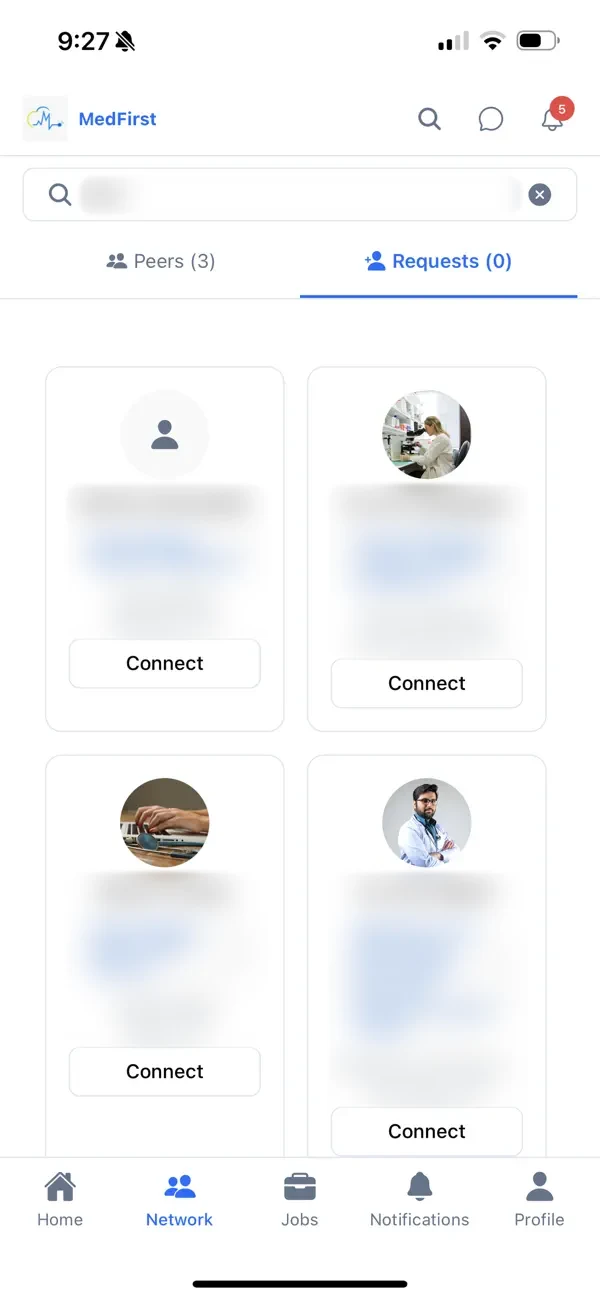
THE PRODUCT, IN PRACTICE
Watch MedFirst’s product tutorial to see facility shift posting, applicant review and professional signup. Choose your role and a step to watch.
From MedFirstTech’s published tutorial. Screens and steps may vary by app version. Open the full tutorial
Start your professional profile on your phone.
Get the MedFirst appHOW TO GET STARTED
Download the app and introduce your role, experience and professional interests.
Follow the applicant agreement and document requirements shown for your role.
Review opportunities and follow the instructions for your account. Registration alone does not establish approval or job eligibility.
HEALTHCARE WORKER SIGN IN
Healthcare worker accounts live in the MedFirst app. Open the app on your phone and sign in there. New to MedFirst? Download the app and create your account.
AVAILABLE FOR IPHONE & ANDROID
Download the app, create your professional account and follow the profile and document checklist for your role.
iPhone: MedFirstMobile · Android: MedFirst

ON A COMPUTER?
Scan the code for your device, or use the download links above.
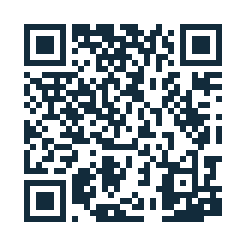 iPhone / MedFirstMobile
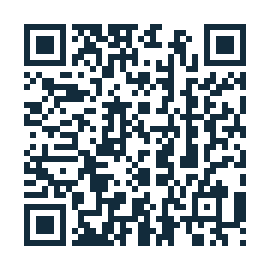 Android / MedFirst
CONTACT THE MEDFIRST TEAM
Ask about staff or services in your area, company registration or help with your account.
FREQUENTLY ASKED QUESTIONS
Your profile, documents and professional next steps.
Find account guidanceProfessional signup takes place in the MedFirst iPhone or Android app. The facility web registration form is a separate account path.
The iPhone listing is MedFirstMobile and the Android listing is MedFirst. Use the download buttons on this page to reach the existing listings.
Follow the checklist in your account. Examples may include role-related licenses or certifications, CPR information, photo identification and a resume. Requirements vary by role.
No. Follow the review instructions and any correction requests. Uploading a file does not by itself establish approval or eligibility for a shift.
This website does not list live shifts or pay rates. Review actual opportunities, requirements and terms in your app account. Availability and eligibility depend on the opportunity.